A First Look at Flodesk Studio
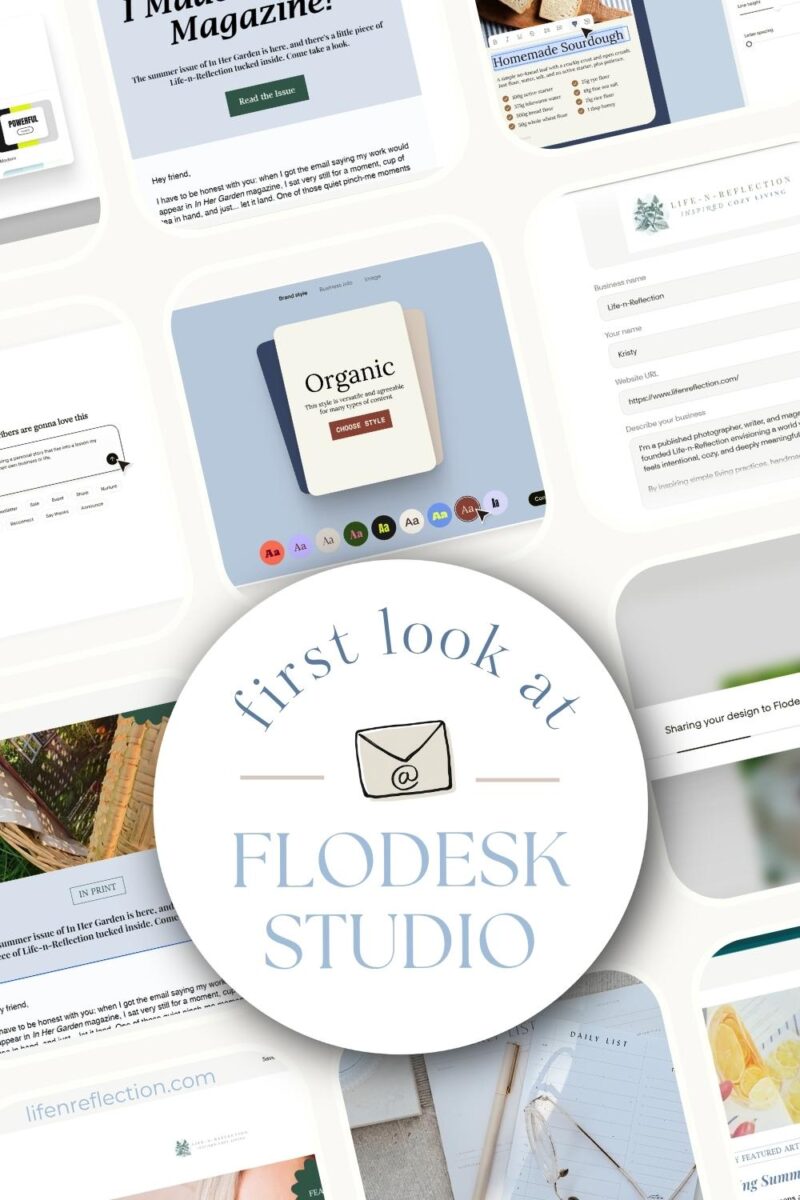
A first look at Flodesk Studio: how this new design app makes sharing feel effortless and on-brand.
Any artist, writer, or content creator knows that there’s more to building a community than posting short videos, writing thoughtful captions, or writing long-format blog posts.
I think for many of us, sometimes the hardest hurdle is sharing our wins without feeling the opposite of boastful. For me, my weekly simple living emails have always felt like the safest place to share my milestones, featured publications, new projects, and ideas.
But, even with an email service platform like Flodesk, which makes signup forms, welcome sequences, and automations a breeze, I still find myself having a hard time sharing about my success.
What starts as a celebration, turns into fears of sounding like, “look at me”, “I’m so talented” or like I know it all. Oftentimes I spend hours agonizing over whether my voice was too loud or inauthentic. When all I really want to do is inspire and encourage my community.
So, when Flodesk shared with me about a new tool that could help, I knew I had to give it a try.
To be honest, I was thoroughly surprised how it turned my messy thoughts and fears into an email without a trace of bragging, that felt like me.
If you’ve ever felt stuck between wanting to share a new project: be it an “as seen in”, recipe, guidebook, art, or product; you’re not alone.
I’m going to share with you a complete walk through, where to begin, what to input, and how it can help you, too.
This post contains some affiliate links, including partnership with Flodesk. Thank you for your support, read the full disclosure policy.
How To Share Your Wins: Getting Started With Flodesk Studio
To solve my hurdle, I started using a new tool created by a team of designers who know all the “ins and outs” of building, formatting, and delivering emails for thousands of brands.
It’s called Flodesk Studio and it’s a brand-new email design app, “built by real human designers, accelerated by AI, and finished by you.”
How do you start using Flodesk Studio?
You can sign up with any email address, but if you already have a Flodesk account, login in with the same credentials!
Once you’re signed in, it’s time to start building your brand style. You can choose a premade style, try something new, or customize it for your brand.
I started by uploading my brand logo, entering my brand name, url, and describing my business.
Next, choose from premade brand colors or have yours ready to input. (I copied mine from my brand profile in Canva.) You can customize these colors even further with the builtin color tones and shades inside the Studio design canvas.
It also gives you an incredible font map! And the ability to upload your own fonts. I added an organic handwritten font from Creative Market. Then I selected my font headings, subheadings, body text, buttons and accents.
Tip: The more information you provide Studio the better the result.
From there I entered a profile image and selected the style for my buttons.
The next section gives you space to enter your brand voice. I entered this:
- Encouraging, Cozy + Intentional + Practical
- Gentle But Clear, Sensory-Rich, Romantic But Practical, Sparks Of Humor.
Feel free to follow this framework or simple enter five words that describe your brand voice. The last step is to add your social links (there’s more than 30 options!) and your business address.
With these items entered, we’re ready to put Studio to work! It builds around our colors, fonts, and style, so every email looks like you, not a template. Are you ready to start designing with Studio today?
You May Also Like
Are you candle maker? Learn how to grow your list, what to send, and how to keep it simple!
Finally, Email Design That Feels Like You (Without the “Bragging” Block)
With my brand style set, it was time for the real test: Could this tool help me draft an email that celebrated my wins without the agony?
Here’s the first prompt I gave: “I want to write an email sharing my magazine I’m published in recently. I’m frequently published in magazines. I have a hard to sharing this, feeling like I’m boosting.”
Tip – no need for editing, you don’t have to worry about spelling or grammar during this step.
Then I gave the copy I wrote for this Instagram reel I shared about the magazine. And asked, “How can I share this without feeling weird?” as well, including where to get their copy of the issue.
It quickly gave me back three design options. It stated, “…each (are) framing this as a gift to your readers rather than a brag — pick the one that feels most like you!”
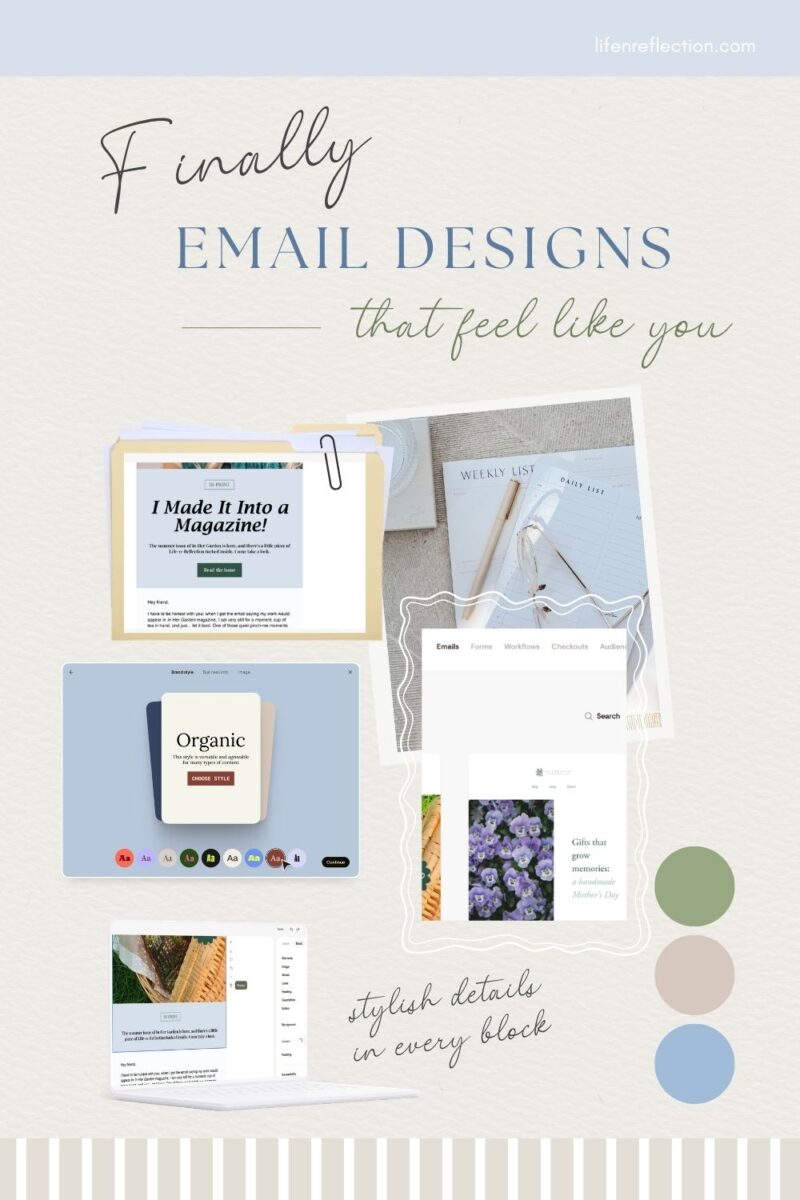
The Result?
The designs were definitely unique, each of which I’d never seen before and the colors were on brand. All were clearly laid out, easy to read and included what I asked for. And best of all, none of the writing sounded like bragging.
But, like most tools there was a common assumption, that my brand is a “we”, nope it’s just me. And some phrases that just don’t make sense at all: “quietly wonderful”, “Slowly and Sweetly”, and “equal parts practical and poetic”. It would never occur to me to speak or write those phrases.
So, I gave it some feedback and realized I didn’t include how important it is to give my audience value in every email. That’s when I shared a few ideas I could include in the email to add value.
To my surprise it didn’t just choose one and run with it, instead it followed up with:
Now, to nail the copy refresh, help me with a couple of details:
- The other article you want to highlight: Which one from the issue caught your eye, and what’s the quick hook that makes it a must-read?
- Your YouTube tutorial: Do you want it framed as a bonus “go deeper” moment, or as the main value-add of the email?
- The “just me” fix: Should I write it in a warm, first-person voice throughout, like you’re writing a letter to a friend?
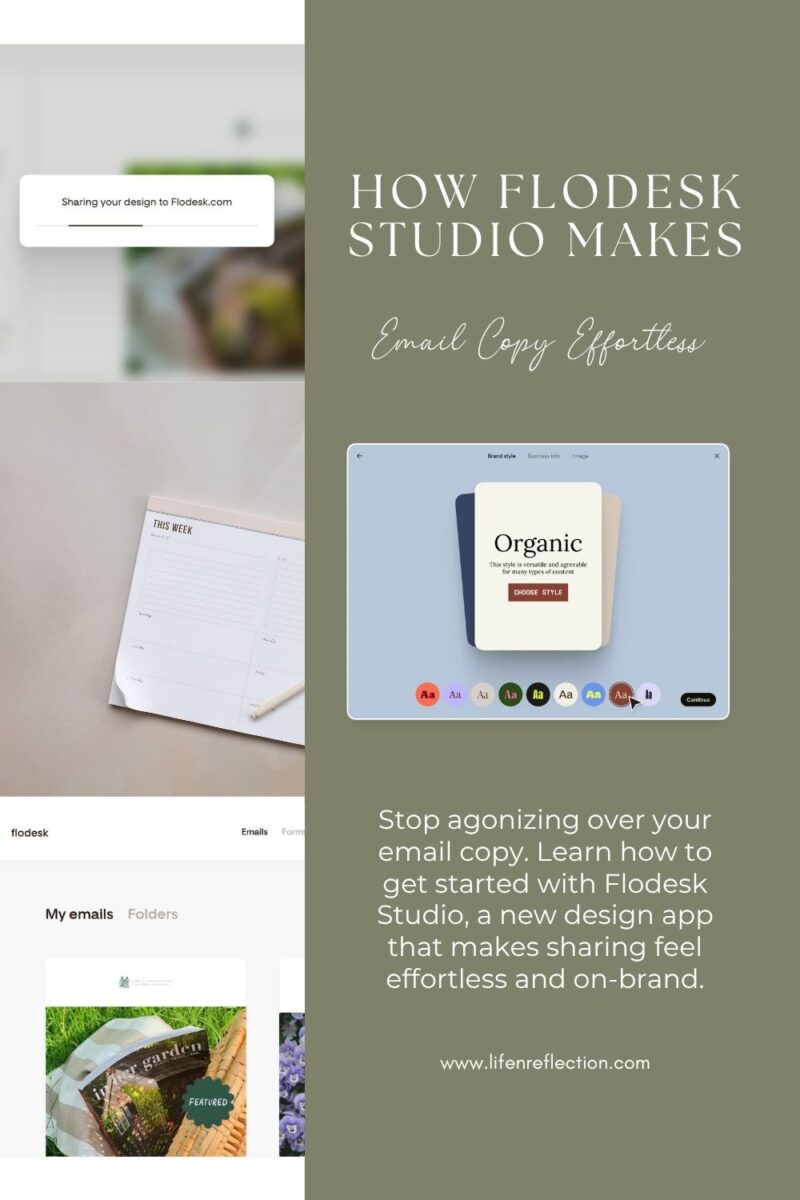
How Flodesk Studio Makes Email Copy Effortless
This is where it really came together,
I responded and at first I couldn’t see the changes it made until I scrolled through the design canvas on my right. When I realized it only made the changes to the design I currently was viewing on the right in the canvas, I asked Studio to apply it to the first design which I liked better and it did.
It immediately changed “we made it into a magazine” to “I made”. This still felt too showy to me, so I removed the heading but kept the announcement, “The summer issue of In Her Garden is here, and there’s a little piece of Life-n-Reflection tucked inside. Come take a look.”
From here all I needed to do was swap in my images, add my links, and update the copy as needed.
It was easy to share my success and where to pick up a copy of the magazine without a single brag. And it beautifully highlighted the added value of sharing my behind the scenes video.
Did it pass the test?
It helped me do everything I was trying to accomplish and it did it with ease.
If you’re a creator you’ll love the seamless workflow. You can focus on sharing what you create without hours of writing copy. And for those of you who have been using multiple tools to write email copy and design email templates, you can do it all inside Studio.
And you can do it your way – refine the design in chat, drag and drop elements, or fine-tune by hand. It’s incredibly easy!
Plus, when your email is ready to send, you can export to any email provider. Yep, you don’t need a Flodesk email account to use it. It’s open to everyone and right now, during Beta, and it costs nothing to use. Start creating today at studio.flodesk.com
For those of us with Flodesk as our ESP, simply choose “send to flodesk” in the export menu.
Sharing wins doesn’t need to be a source of stress. Whether you’re announcing a new project or celebrating accomplishment, you deserve a space where your voice lands.
Blank Page to Beautiful Emails: Quick Tips
Don’t have your branding nailed down, no problem – use one of the designer pre-made brands!
Open the Block Layout in the right sidebar for lots of options such as including a heading, button, sticker, image, or other elements. As well as customizing the background color, corners, and padding.
Design in Studio – Send Anywhere: HTML export works for any ESP that allows HTML.
Do you frequently create recipes? You can now share them in your email with built-in tools inside Studio!
Try out fun block-card styles: solid, grain, and blur.
Include a reader’s poll, customer review, countdown, and more without additional software.
Find this helpful?
Share it on Pinterest
And while you’re there, be sure to follow Life-n-Reflection for more inspiring ideas.
I hope this first look at Flodesk Studio gives you the confidence to connect. I know your community is waiting to hear from you. Begin with a template, a prompt, or your own idea, so you’re never starting from scratch. Start creating today at studio.flodesk.com – It’s Free for a limited time while it’s in beta.